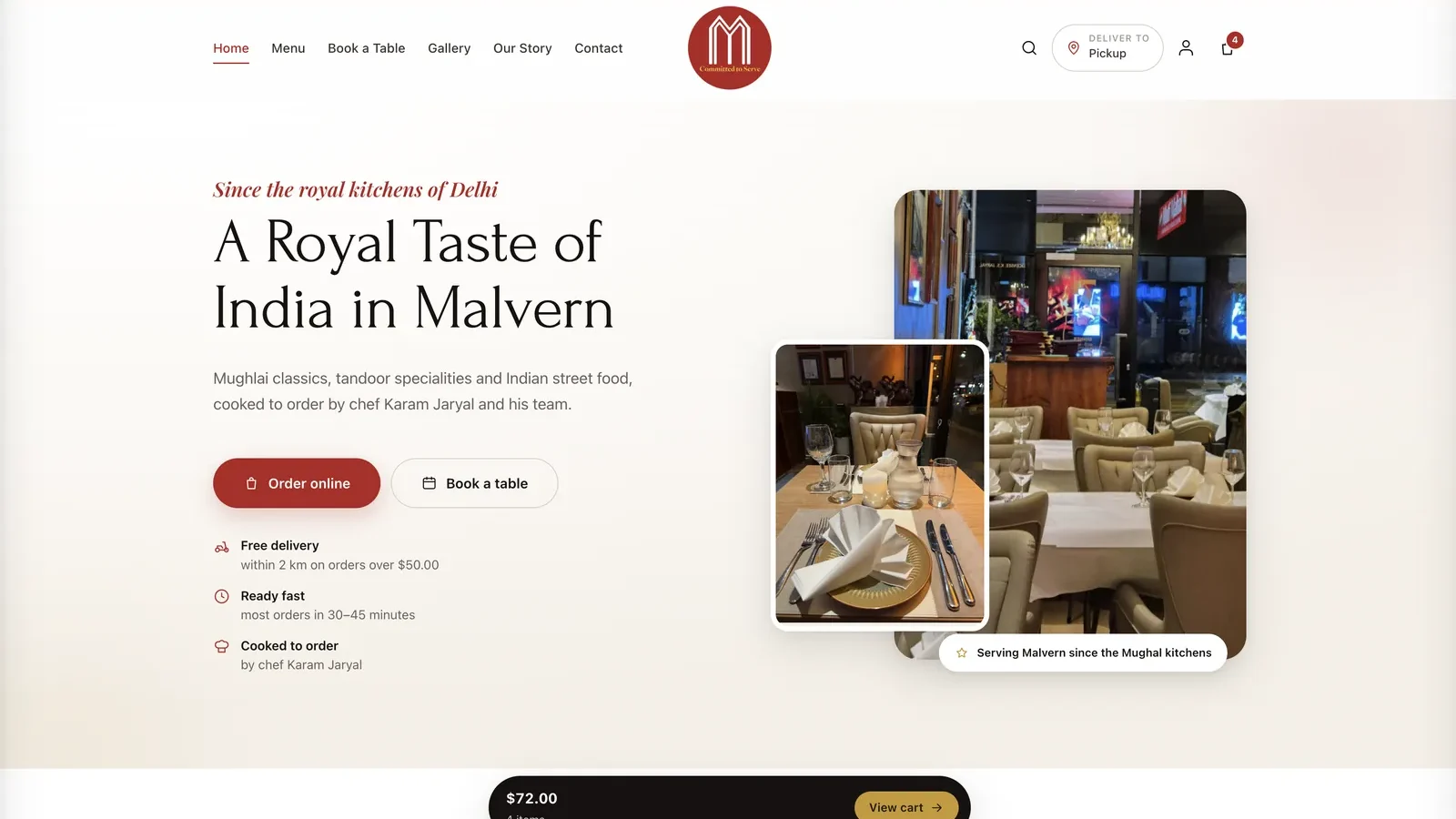
I have built ordering systems for restaurants in Australia and the USA, including Moti Mahal in Malvern, Victoria and Punjabi Sunrise in Alexandra Hills, Queensland. The menus and cuisines differ, but the same building blocks come up every time. If you are planning your own system — or briefing a developer — these are the parts that decide whether it works on a Friday night.
1. The menu model
A restaurant menu is not a product catalogue. A curry has a spice level, a choice of protein, optional extras and sometimes a combo price. Model this properly from the start:
- Categories and items with prices, descriptions, photos and dietary tags.
- Modifier groups (required or optional, single or multiple choice) with their own prices.
- Availability — a sold-out switch for items and individual modifiers, and sections that only appear during certain hours.
Both Moti Mahal and Punjabi Sunrise run without WooCommerce. The menu, cart and orders are custom code, which keeps the checkout focused on food rather than on a generic store’s idea of shipping and stock.
2. Ordering conditions
Most ordering bugs are really missing rules. Decide and enforce:
- Trading hours and kitchen cut-off times — checked on the server, not just hidden in the interface.
- Pickup, delivery or dine-in, and which options are available when.
- Minimum order values, especially for delivery.
- A delivery radius, and what happens outside it.
3. Delivery fees by distance
Flat delivery fees either lose money on long trips or overcharge nearby customers. For Punjabi Sunrise the rule is simple: delivery is free up to 10 km, then A$3 per kilometre, using driving distance from a maps API, with a straight-line fallback if the API can’t answer. The core of that rule is only a few lines:
function delivery_fee( float $km ): float {
    $free_km = 10;   // free radius
    $per_km  = 3.00; // A$ per km beyond it
    if ( $km <= $free_km ) {
        return 0.0;
    }
    return round( ( $km - $free_km ) * $per_km, 2 );
}
The hard part is everything around it: validating the address before payment, rejecting orders outside the maximum radius with a friendly message, and showing the fee before the customer reaches the payment step.
4. Payments
Choose the gateway that suits your country and bank. Moti Mahal uses eWAY; Punjabi Sunrise uses Stripe plus cash orders. Whatever the gateway, an order should only count as paid when the payment is verified server-side — never because the customer landed on a “thank you” page.
5. Getting orders to the kitchen
An ordering system is only as good as the moment the kitchen sees the order. The reliable approach is automatic printing: the order arrives, a sound plays on the dashboard and a ticket prints without anyone touching a screen. I cover printers in detail in how a custom POS connects orders, inventory and receipt printers.
6. The order dashboard
Staff need one screen: new orders, their status (accepted, ready, completed), customer details and the ability to reprint. Behind it sit customer records, order history and sales reports — daily totals, best sellers, pickup versus delivery.
7. Customer experience
- Mobile first — most orders are placed on a phone.
- A sticky cart and a clear path to checkout.
- Accounts with saved addresses for regulars, and guest checkout for everyone else.
- An installable web app (PWA) so regular customers can reorder from their home screen.
Build or buy?
Marketplaces are good for discovery. Your own system is about the customers who already know you: no per-order commission, your own customer list and your own rules. My restaurant ordering systems start from ₹89,999 in India or $2,999 internationally, depending on delivery logic, POS and printer integration and reservations.