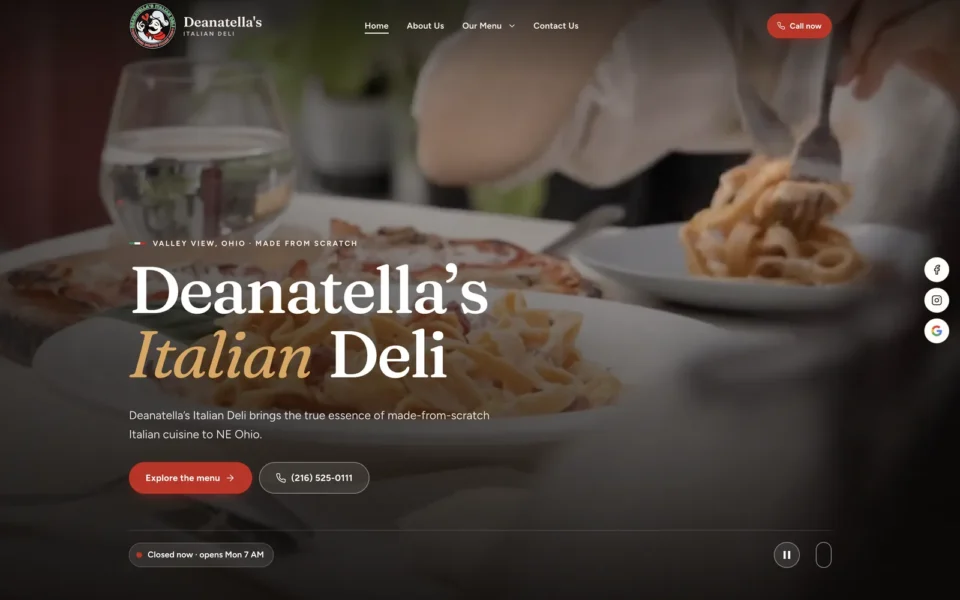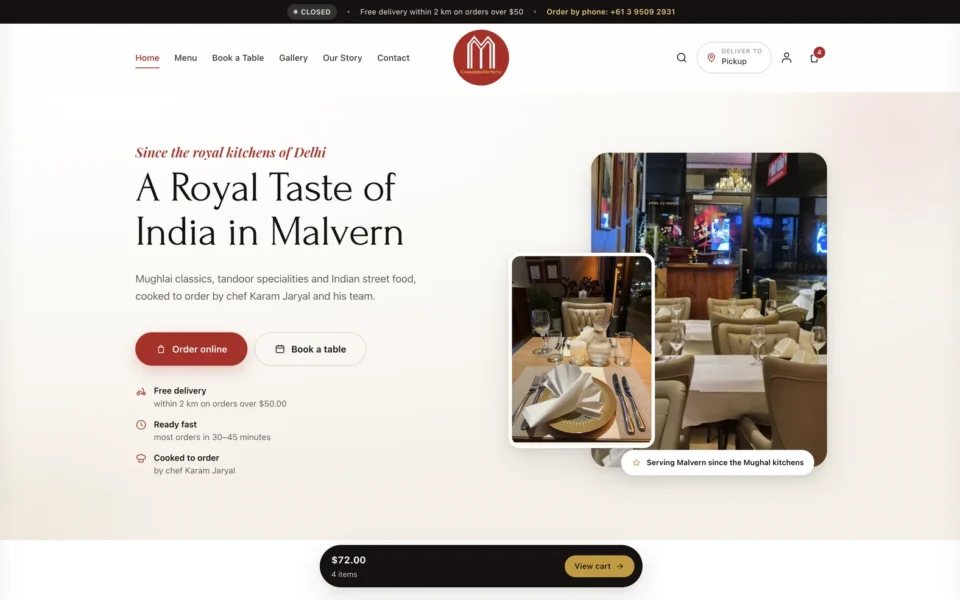
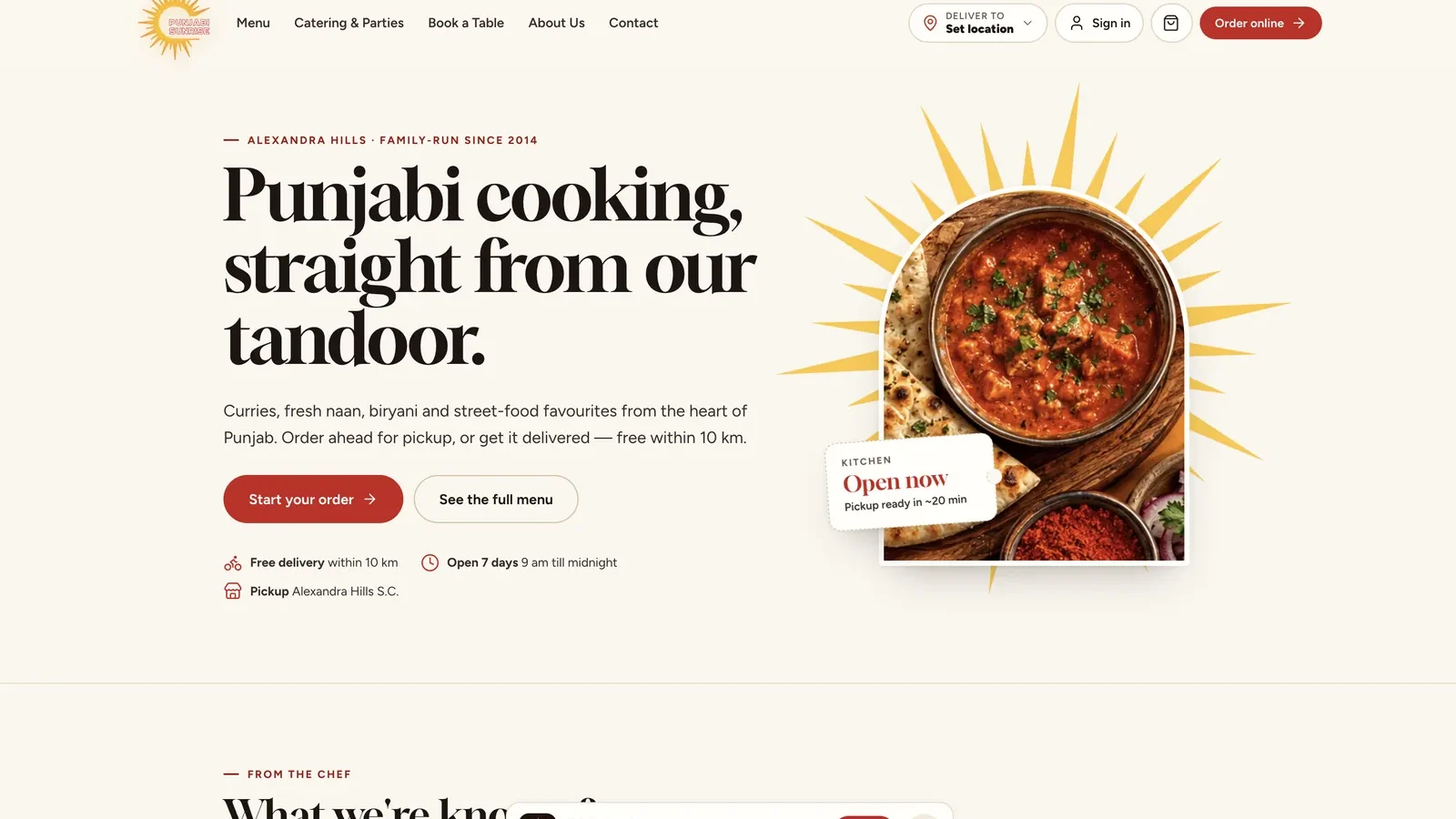
A point-of-sale system is where a business’s software meets its physical counter. Orders come in from the website and the till, stock goes down, receipts and kitchen tickets come out of printers. I have connected these pieces for restaurant ordering systems in Australia, for the PBIS LLC store in Ohio, and in PBIS POS, the cloud POS I am building. This is how they fit together.
One order, one source of truth
The most important design decision is that every order — online, at the counter, by phone — becomes the same kind of record in the same database. Once that is true, everything else follows: the kitchen sees all orders in one queue, stock is reduced once, and reports add up.
An order record typically holds the channel (web, counter, phone), type (pickup, delivery, dine-in), items with their modifiers, totals, payment status and a status that moves from new to accepted to ready to completed.
Inventory that follows the orders
For retail, stock is tracked per SKU. Each completed sale reduces stock; receiving stock increases it, often by scanning barcodes. Low-stock alerts warn before a product sells out online.
For restaurants, “stock” is usually availability rather than counted units: a sold-out switch per dish and per modifier, and menu sections that only appear during certain hours. Turning off a dish at the counter must remove it from the online menu immediately.
Receipt and kitchen printers
This is where most systems become unreliable, so it deserves care. Across these projects I have worked with Epson printers (TM-U220B, TM-T88III, TM-T88IV, TM-T88V and TM-m30II) and Star Micronics printers (TSP100, TSP743IIU-24, TSP650II and TSP600). They connect in three main ways:
- The printer fetches jobs from the server. Epson Server Direct Print and Star CloudPRNT let a network printer poll a URL on the website for new jobs. Nothing needs to run on a counter computer, which makes it the most reliable option for automatic kitchen printing.
- The browser sends the job to the printer. Epson ePOS and Star WebPRNT accept print jobs over the local network from a web page — useful for a browser-based till.
- USB printers print through the counter computer, for older models without network support.
The printer type matters too. Impact printers such as the TM-U220B are common in kitchens because they cope with heat and grease, and two-colour ribbons let modifiers or allergy notes stand out. Thermal printers such as the TM-T88 and TSP series are faster and quieter for customer receipts, and wide models like the TSP743IIU print larger tickets and packing slips.
Tickets from templates
Rather than hard-coding a layout, I build tickets from templates with tokens, so a restaurant can change what prints without a developer:
$template = "#{order_number}  {order_type}n{time}n--------------------------------n{items}n--------------------------------nTOTAL {total}   {payment_status}n{notes}";
$ticket = strtr( $template, array(
    '{order_number}'   => $order->number,
    '{order_type}'     => strtoupper( $order->type ),
    '{time}'           => $order->created_at->format( 'D j M, g:i a' ),
    '{items}'          => render_items( $order->items ), // name, qty, modifiers
    '{total}'          => money( $order->total ),
    '{payment_status}' => $order->paid ? 'PAID' : 'UNPAID',
    '{notes}'          => $order->notes,
) );
The kitchen copy and customer copy can use different templates, and every printed ticket can be reprinted from the dashboard.
Sales and customers
Because everything is one order stream, reports are straightforward: daily totals by channel, best sellers, pickup versus delivery, payment methods, refunds and promotions. Customer records collect order history across channels, which is what makes loyalty, reorders and marketing possible.
Lessons from real counters
- Test with the actual printer models the business owns, not just one you have on your desk.
- Prefer server-side printing for kitchens — it keeps working when a tablet sleeps.
- Make sold-out and availability changes instant everywhere.
- Give staff one screen for the rush, and keep reports somewhere else.
See custom POS software development and the Punjabi Sunrise and PBIS LLC case studies.