Progressive Web App (PWA) Development
App-like experiences, no app store required.
Progressive Web Apps that install to the home screen, load instantly, work on poor connections and send notifications — one codebase for Android, iPhone and desktop.
(01)What’s included
- Installable app with your icon & splash
- Service worker caching & offline pages
- Fast repeat visits on slow networks
- Push & in-app notifications
- App-like navigation & gestures
- Converting existing sites to PWAs
Ideal for
- Ordering & booking platforms
- Customer portals
- Internal staff tools
- Businesses testing an app idea
Technology
- Service Workers
- Web App Manifest
- Push API
- JavaScript
- WordPress
- React
(02)In detail
The app your customers will actually install
Asking customers to find and download an app from a store is a big ask for a restaurant, venue or local business. A Progressive Web App (PWA) removes that step: it’s your website, upgraded to install on the home screen with one tap, open full-screen like an app and load instantly on repeat visits.
What a PWA adds
- Installable: your icon on the home screen of Android, iPhone and desktop devices.
- Fast: a service worker caches key assets so repeat visits load almost immediately.
- Resilient: a friendly offline page instead of a browser error on poor connections.
- Engaging: web push notifications — supported on iPhone for installed web apps since iOS 16.4.
- One codebase: no separate iOS and Android apps to build and maintain.
Where PWAs shine
Ordering and booking platforms are ideal: regular customers reorder or rebook in seconds from their home screen. Customer portals, staff tools and internal dashboards also benefit — no MDM, no app-store review, and updates are live as soon as you deploy.
Upgrade, don’t rebuild
If your website is already well built, it can usually become a PWA without a rebuild: a web app manifest, a carefully scoped service worker, icons and splash screens, and a few UX refinements for full-screen use. This very website is a PWA — try installing it from your browser menu.
(03)Related work
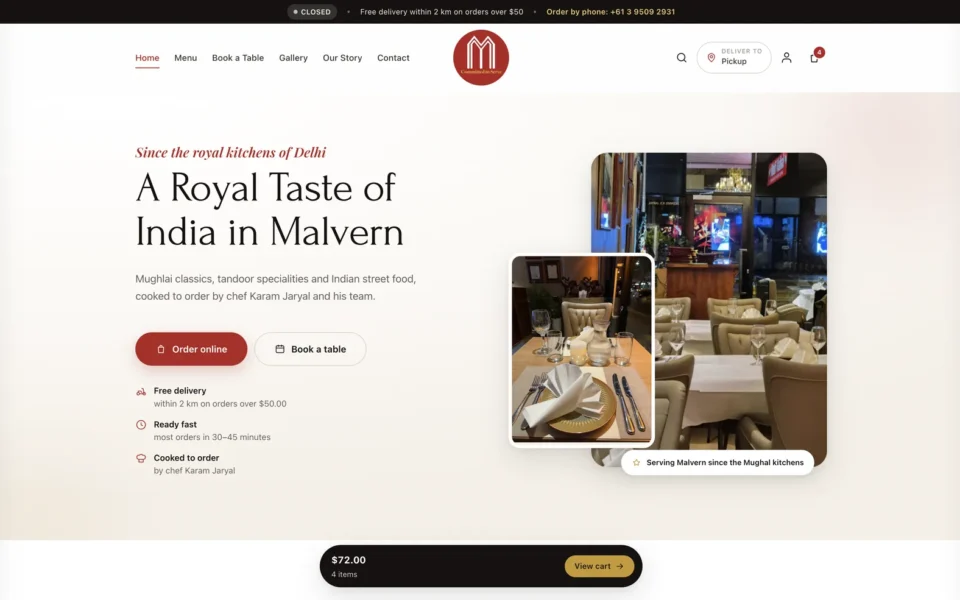
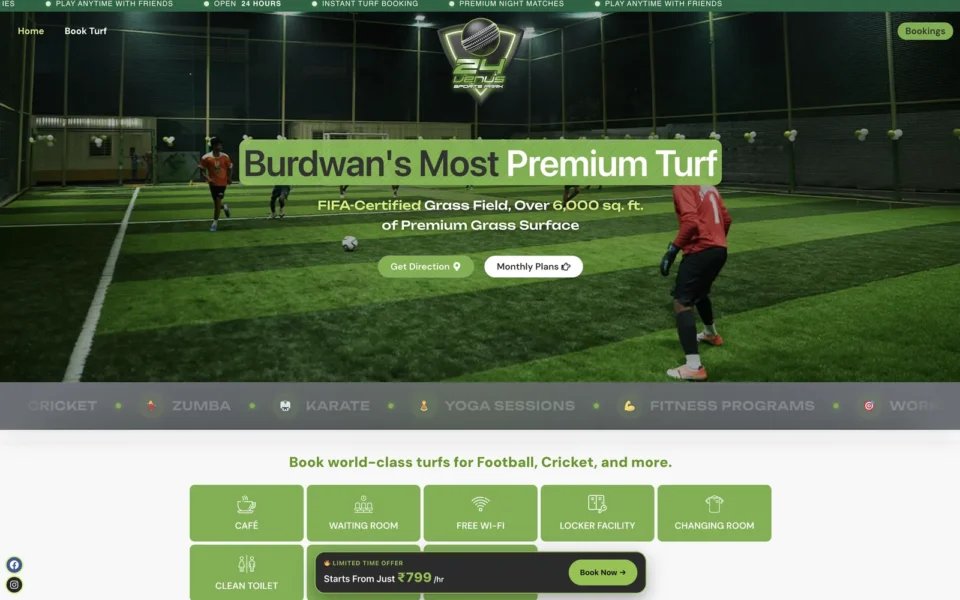
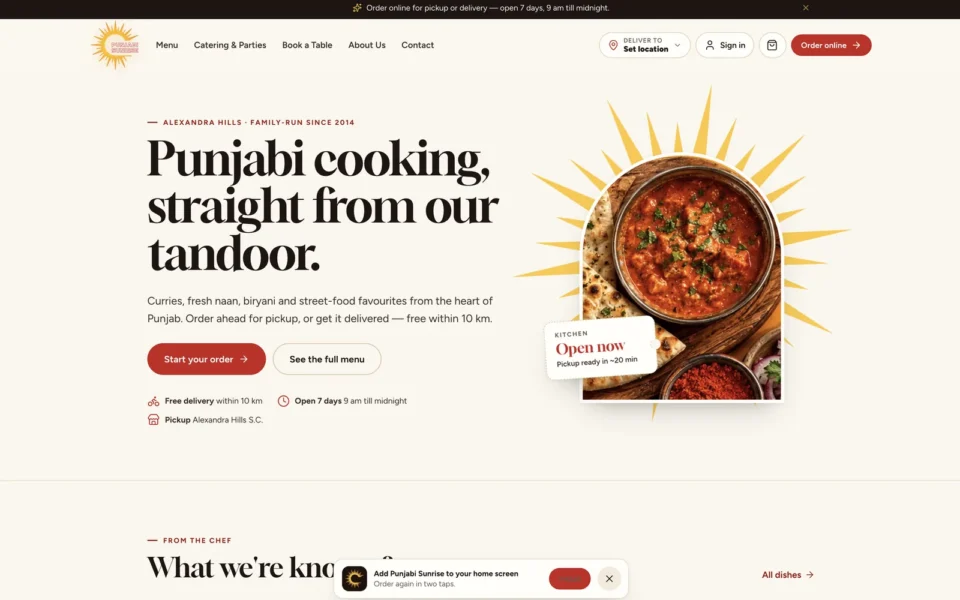
Built and running for real clients.
(04)Full project journey
From the first conversation to launch and beyond.
A clear, seven-step process — so you always know what is happening, what is next and what you need to decide.
(05)FAQ
Questions about Progressive Web Apps
Can’t see your question? Ask me directly — I reply within one business day.
All questionsYes. iOS supports installing PWAs to the home screen, and web push notifications for installed PWAs are supported on iOS 16.4 and later.
Yes — a PWA can be packaged as a Trusted Web Activity for Google Play when store presence matters.
Usually not. Most well-built sites can be upgraded to a PWA by adding a manifest, a service worker and a few UX refinements.
(06)Services
Related services.
From a fast business website to a complete ordering, booking or POS system — designed, built and supported by one senior developer.
All services- 01 Booking Systems Real-time slots, payments and reminders — bookings without the back-and-forth. From ₹74,999$2,499
- 02 Online Ordering Commission-free restaurant ordering with delivery zones and kitchen printing. From ₹89,999$2,999
- 03 POS Development Web-based POS with receipt printers, barcode scanners and cash drawers. From ₹1,09,999$3,499
- 04 Custom Web Apps Dashboards, CRMs and workflow tools built around how your business runs. From ₹1,49,999$4,999
- 05 Payment Integrations Razorpay, Stripe, PayPal, PhonePe, eWAY & custom bank gateways. From ₹7,999$249
- 06 Business Websites Custom, fast, SEO-ready websites that turn visitors into enquiries. From ₹29,999$899
1 Project Slot Available — October
Let’s build something that pays for itself.
Tell me what you want to achieve. You’ll get an honest recommendation, a clear scope and a fixed quote — usually within two business days.