You run your website through Google PageSpeed Insights, see a red score and a long list of warnings, and wonder where to begin. This guide explains what Core Web Vitals measure, what “good” looks like, and the practical fixes that make the biggest difference — especially for WordPress websites.
The three Core Web Vitals
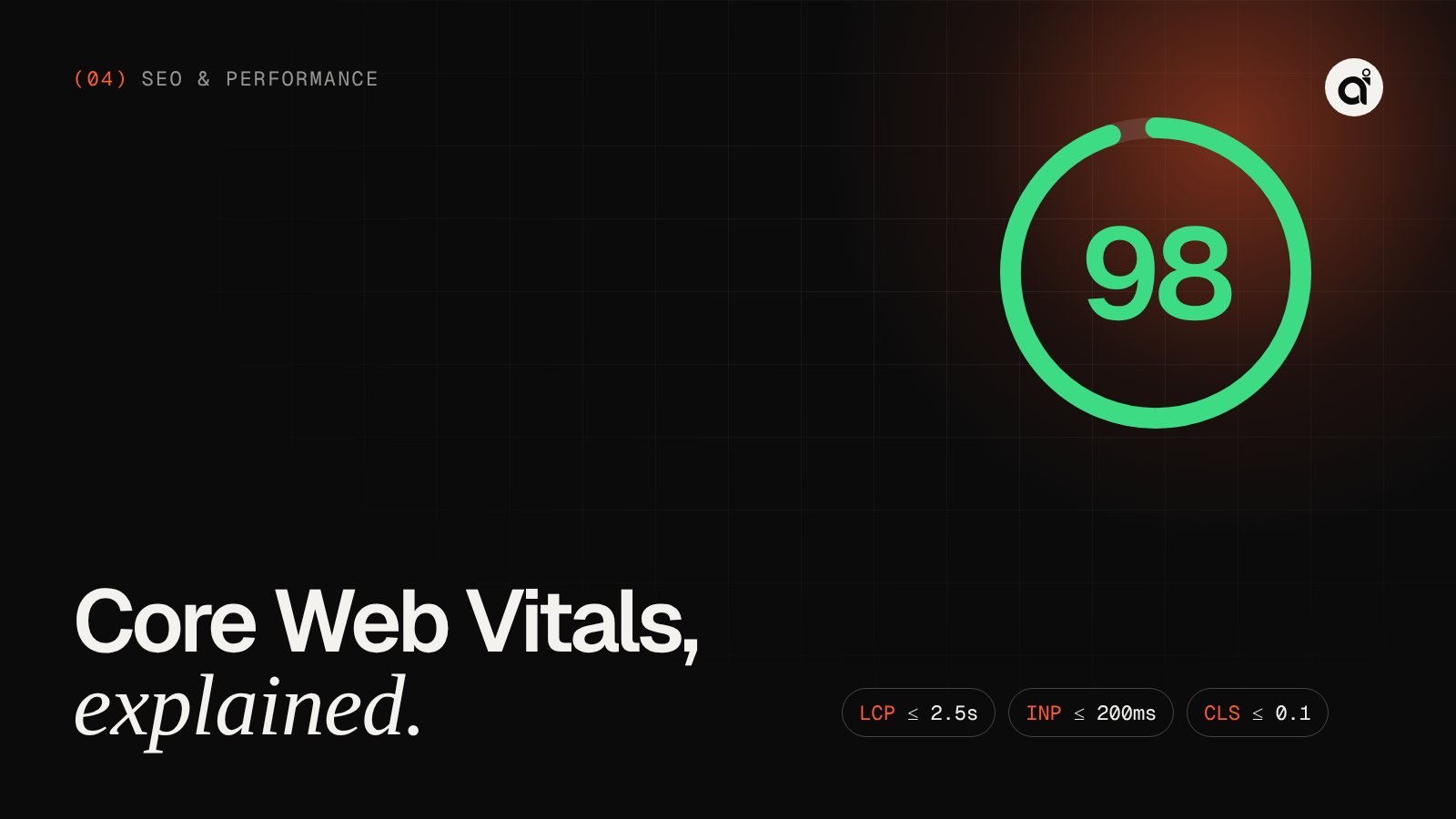
| Metric | What it measures | Good | Poor |
|---|---|---|---|
| Largest Contentful Paint (LCP) | How quickly the main content appears | 2.5s or less | Over 4s |
| Interaction to Next Paint (INP) | How quickly the page responds to taps and clicks | 200ms or less | Over 500ms |
| Cumulative Layout Shift (CLS) | How much the layout jumps while loading | 0.1 or less | Over 0.25 |
Google assesses these at the 75th percentile of real visits — so a page “passes” when at least three out of four visits have a good experience.
Lab score vs field data
PageSpeed Insights shows two different things. The performance score (0–100) comes from a Lighthouse lab test on a simulated mid-range phone and slow connection. The Core Web Vitals assessment at the top comes from real Chrome users over the previous 28 days. The lab score helps you debug; the field data is what reflects your real users’ experience.
That’s also why your score changes between runs: network conditions and server response vary. Look for trends, not single numbers.
Fixing LCP: make the main content arrive first
- Optimise the hero image. Serve WebP or AVIF at the right size, and mark it with
fetchpriority="high". Never lazy-load the image above the fold. - Reduce server response time. Good hosting, page caching and a CDN such as Cloudflare cut the time before anything can render.
- Remove render-blocking resources. Defer non-critical JavaScript, and avoid loading entire CSS frameworks for one page.
- Self-host and preload fonts. Use modern WOFF2 files with
font-display: swap.
Fixing INP: keep the main thread free
- Audit third-party scripts. Chat widgets, heatmaps, multiple analytics tags and social embeds are the usual culprits.
- Load JavaScript only where it’s used. A booking calendar script doesn’t belong on your blog posts.
- Break up long tasks. Heavy work should be split or deferred so the page can respond to taps immediately.
- Replace bloated page builders. They often ship large scripts to every page whether needed or not.
Fixing CLS: stop the page from jumping
- Always include
widthandheighton images and videos so the browser reserves space. - Reserve space for banners, ads, embeds and cookie notices instead of pushing content down.
- Use
font-display: swapwith similar fallback fonts to minimise text reflow. - Animate with
transformandopacity, not properties that change layout.
The WordPress-specific checklist
- Replace heavy multipurpose themes or page builders with a lightweight custom theme where possible.
- Remove plugins you don’t need, and check what each remaining plugin loads on the front end.
- Use a good caching setup and a CDN.
- Convert and resize images on upload.
- Disable features you don’t use, such as emoji scripts and unused embeds.
- Keep PHP, WordPress and plugins updated — newer versions are generally faster.
Animations without the penalty
Modern, animated websites can still score well. The rules: animate only transforms and opacity, load animation libraries with defer, never hide your main content until a script runs, and respect the prefers-reduced-motion setting. This website uses GSAP throughout and is built to follow exactly those rules.
Need a hand?
Speed optimisation is part of every website I build, and it’s available as a standalone service for existing sites. See how speed optimisation works or send me your URL for a quick assessment.